
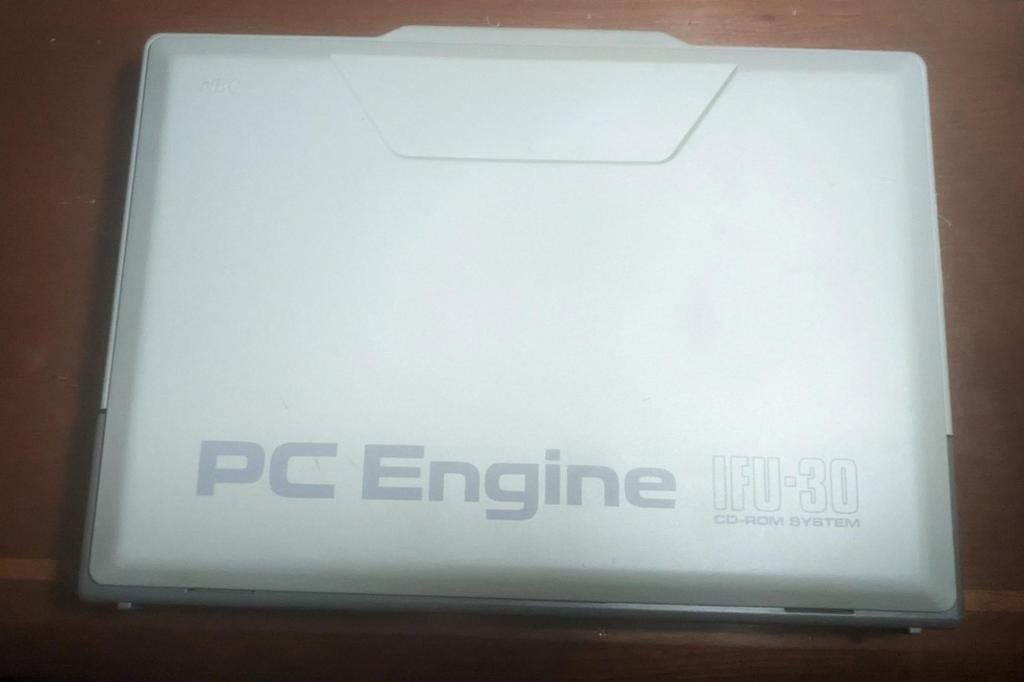
When I bought the PC Engine, it came with the Interface Unit, CD-ROM², and the v3.00 Super System Card. I won the bundle on Yahoo Auctions. Since it was sold as untested, I expected a drive issue and figured it would likely be the middle gear on the tracking motor—that part always breaks on these drives.

The PC Engine system worked, but the CD-ROM² wouldn’t read any discs and kept making a constant clicking noise. Surprisingly, it wasn’t the middle gear—looks like that was replaced with an aftermarket one at some point.
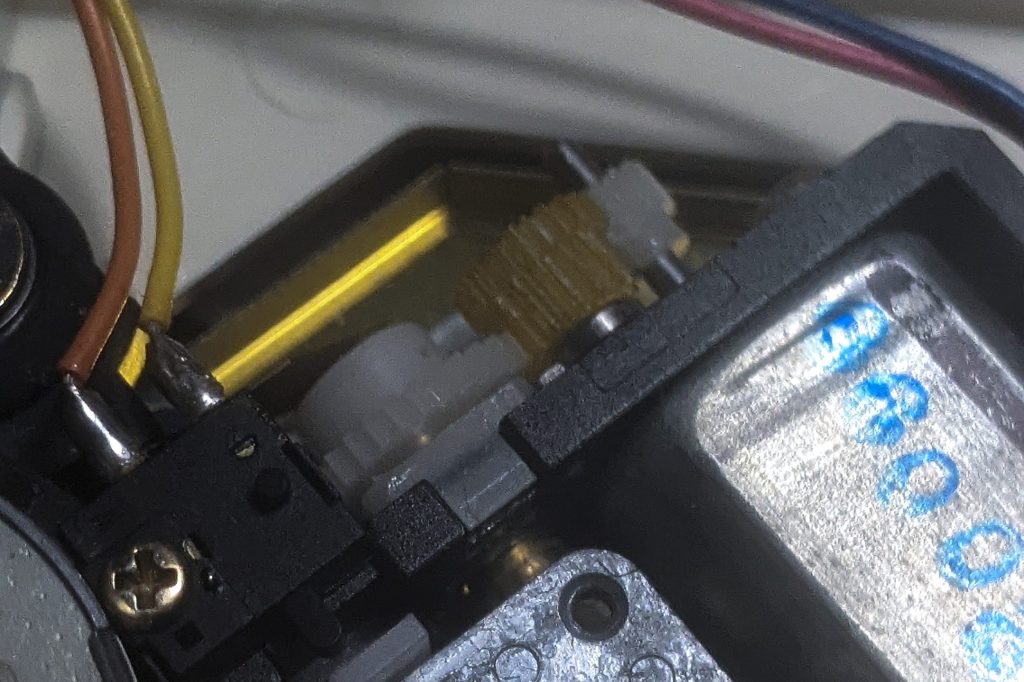
After further testing, I found the issue: the ‘park sensor’ (the sensor that tells the laser it’s at track zero) was faulty. A quick cleaning, and I was playing games!
Well kinda, the in-game music would occasionally skip. I guessed the issue was a weak laser, so I adjusted the potentiometer on the laser ribbon cable to lower the resistance. It worked better for a while, but after three days, it stopped reading discs again. The clicking returned—just like when it first arrived—though this time the park sensor was functioning. I decided to try adjusting the potentiometers on the side of the board.
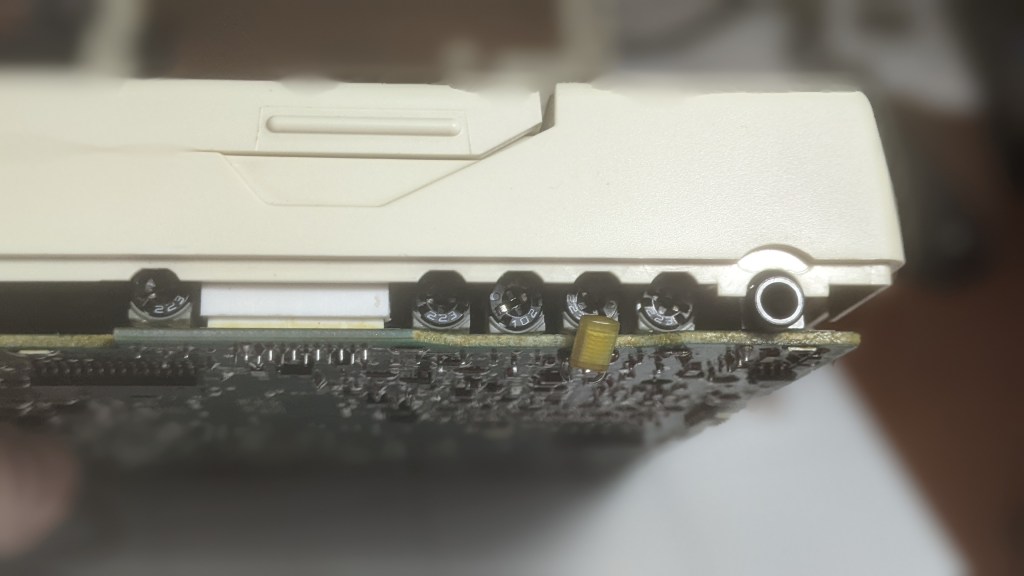
I’ll admit it: I did everything wrong here. The only thing I got right was measuring the resistance on each potentiometer before making adjustments—but I didn’t write the numbers down, so it was basically pointless. My biggest mistake was adjusting VR101 (the leftmost potentiometer, E/F Balance) and VR105 (third from the right, the voltage-controlled oscillator). You should never have to adjust VR105—whoops! And you should never over-adjust VR101—double whoops! I ended up frying the laser.
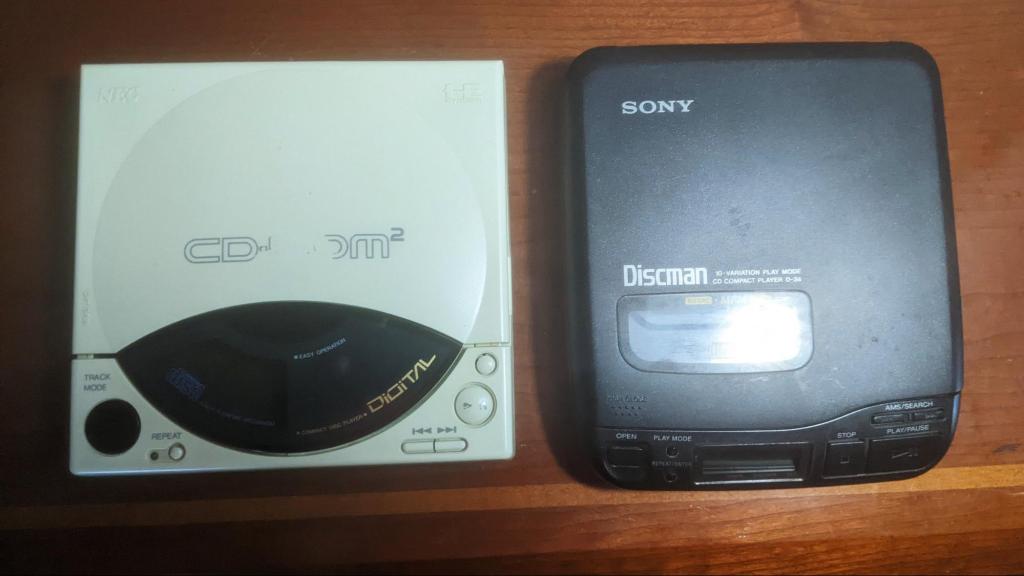
Can you spot the similarities between the CD-ROM² and the D-34 Sony Discman? Here’s a hint: it’s the part I fried moments ago— the laser!

I’m gonna start by ripping the guts out of this guy. It’s a shame because I think it’s really cool, but I really wanna play my PC Engine!

I have to confess—the lasers aren’t actually the same. The CD-ROM² uses a KSS-162A laser assembly, while the D-34 Discman here uses a KSS-220A. Although they’re technically different, the assemblies are interchangeable. The only issue is the differences in the ribbon cables.
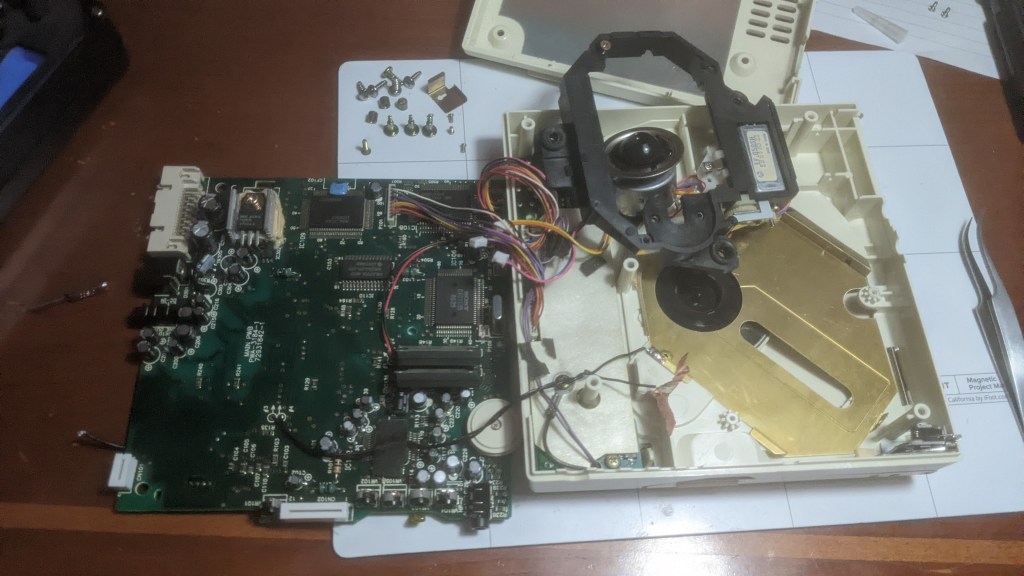
So here I am, swapping out the CD-ROM² laser with one from a Sony Discman. I figured I might as well replace all the capacitors while I was at it—why not, right?

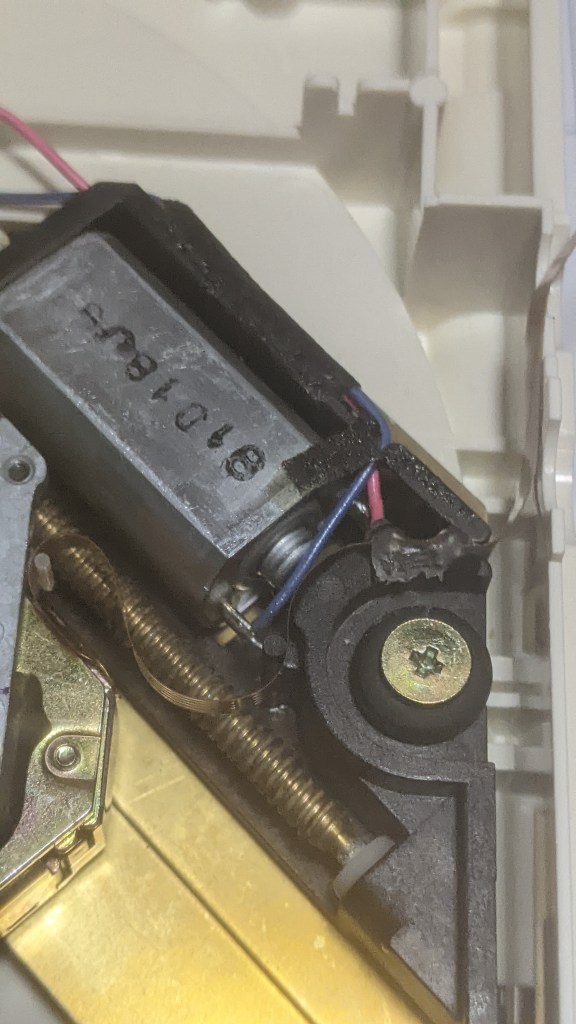
The laser swap was easy, but the ribbon cables being slightly different made things more difficult. The cable would bind, locking everything up. When the assembly got stuck, it produced a clicking noise, very similar to when I first received the CD-ROM². Maybe the initial issue was just a dirty worm gear, so while I was at it, I cleaned and lubricated it. After finding a good spot for the ribbon cables, I hotglued it in place. As for all the pots I messed with earlier, I found an image online and copied all the settings.
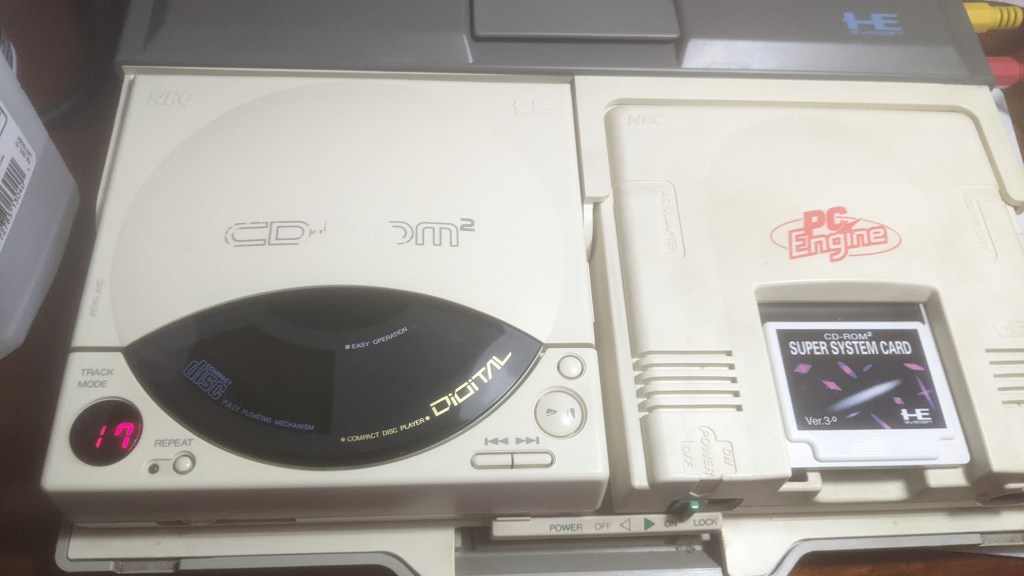
I could hear music, but it was only coming out of the left channel, and games were loading as music CDs. I guess that’s progress. I had a calibration issue, so it was back to the infamous pots. I remembered VR101 was around 9kΩ, so I increased the resistance—and voilà!

It’s working and in stereo! After a potentiometer adjustment, the game finally loaded. It still needs some minor tweaks—video cutscenes skip, and load times are a bit longer—but it’s my very own working PC Engine CD-ROM² combo!
In conclusion: dirty “park sensor,” dirty worm gear, rookie mistake with pot adjustments, capacitors, and a bad laser. Should’ve kept it simple.
Later, nerds!

 RETROBOOGIE64
Leave a comment