
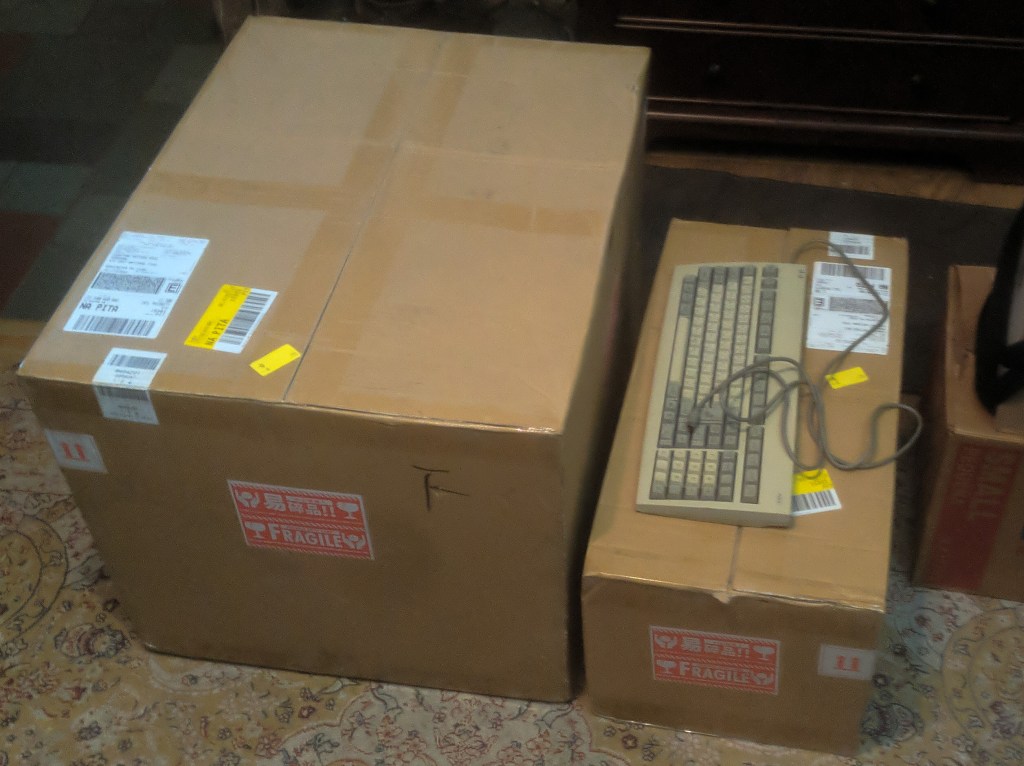
In September 2021, I won a CX3 on yahoo auction. I’ve had it in the shipping box for six months, and I finally have the space to set it up.
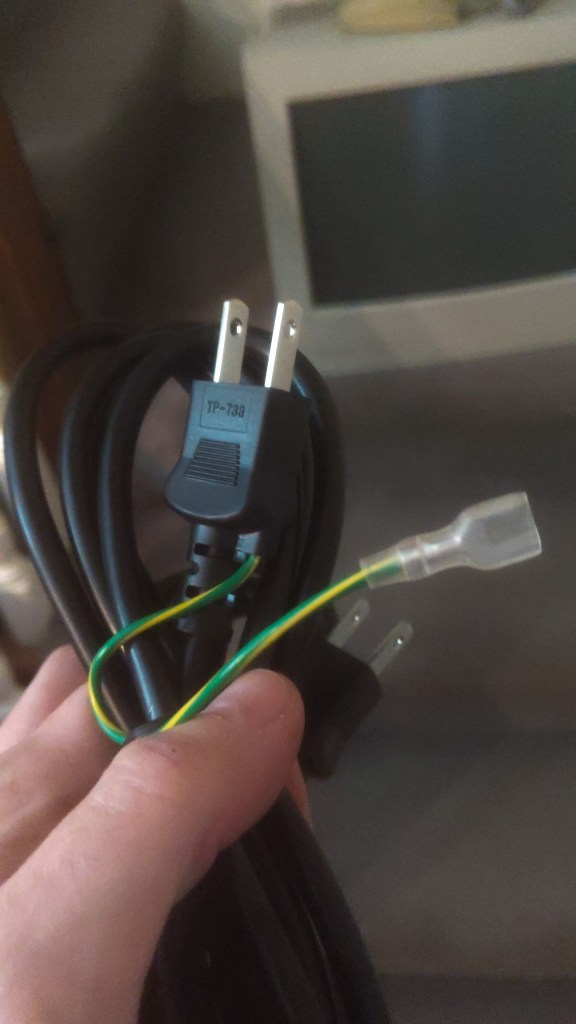
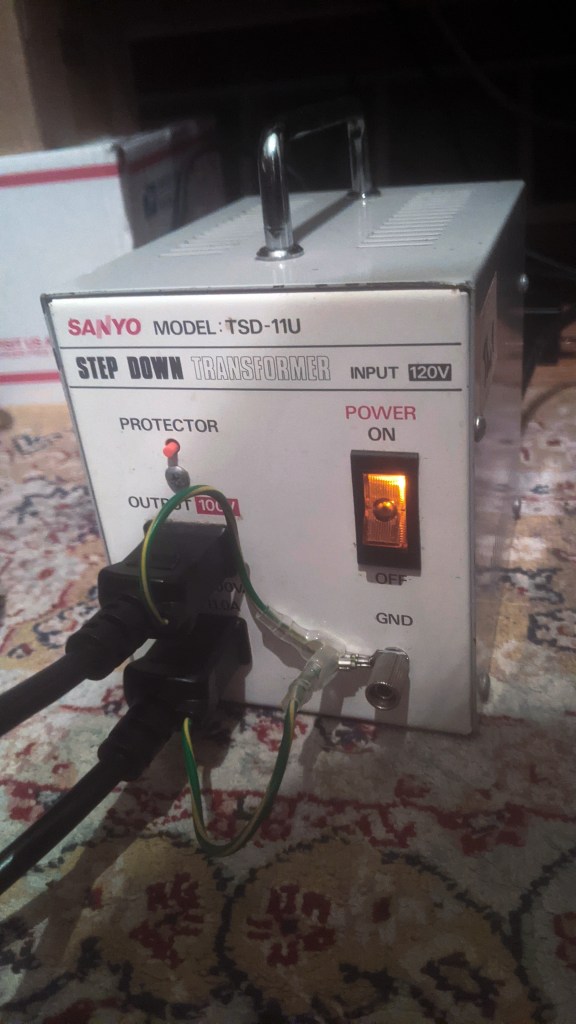
These old Japanese systems have these ground wires coming from the two-prong power cable. I got a step-down transformer, it isn’t really necessary but I think it’s cool looking, and it has a grounding lug.
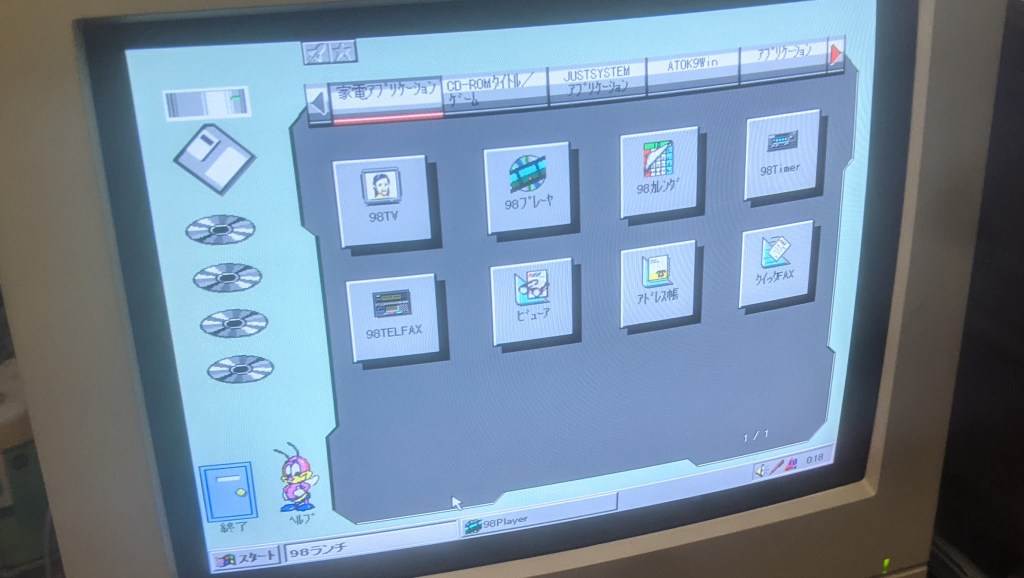
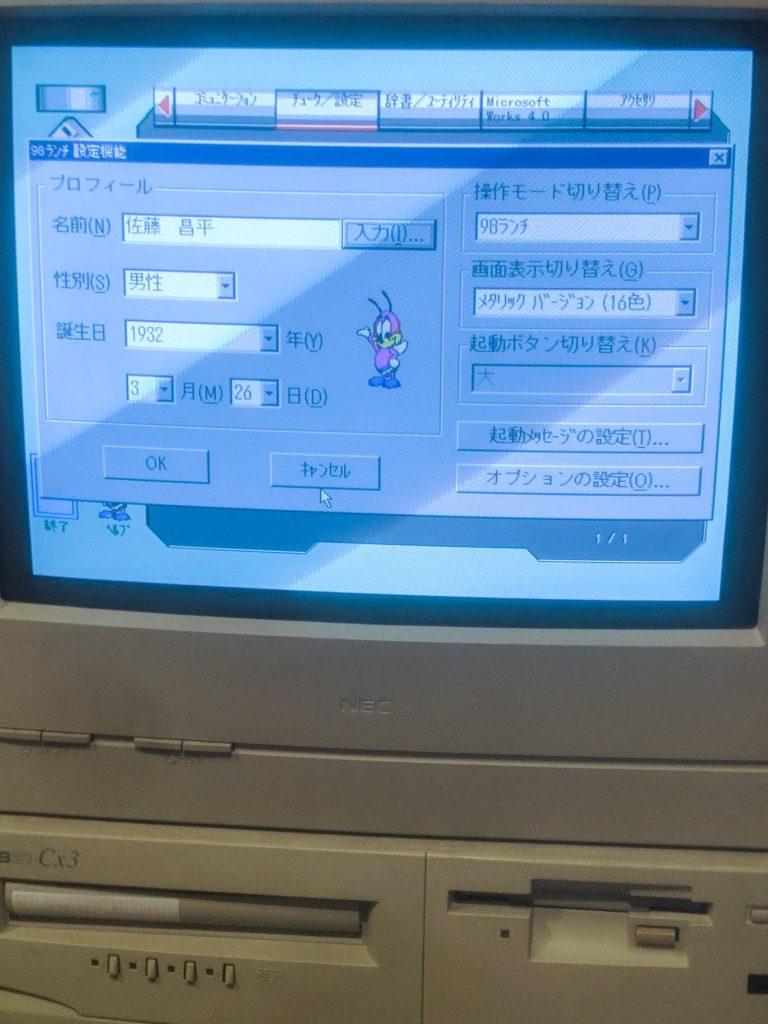
The CD drive didn’t work and the Hard drive is failing. I did get some pictures of the original interface for a Canbe WIN95. It’s pretty strange. The coolest part was finding the name and age of the original owner.
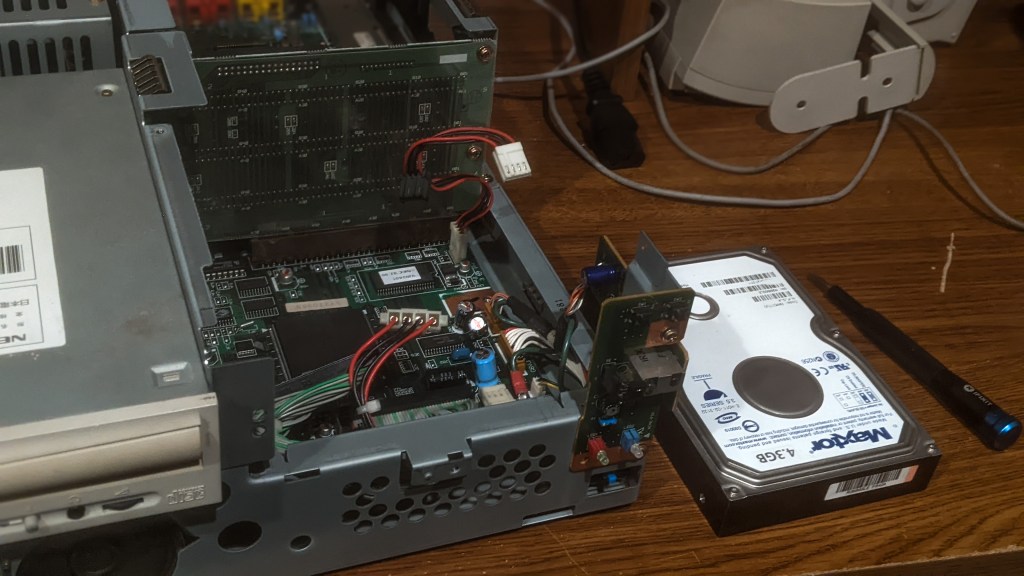
Fortunately, I had replacements lined up: a new CD drive and a hard drive I purchased from Yahoo Auctions. Installing the CD drive was straightforward, but the hard drive required more work, especially since I wanted Windows 95, and the drive came with MS-DOS 6.2 pre-installed.
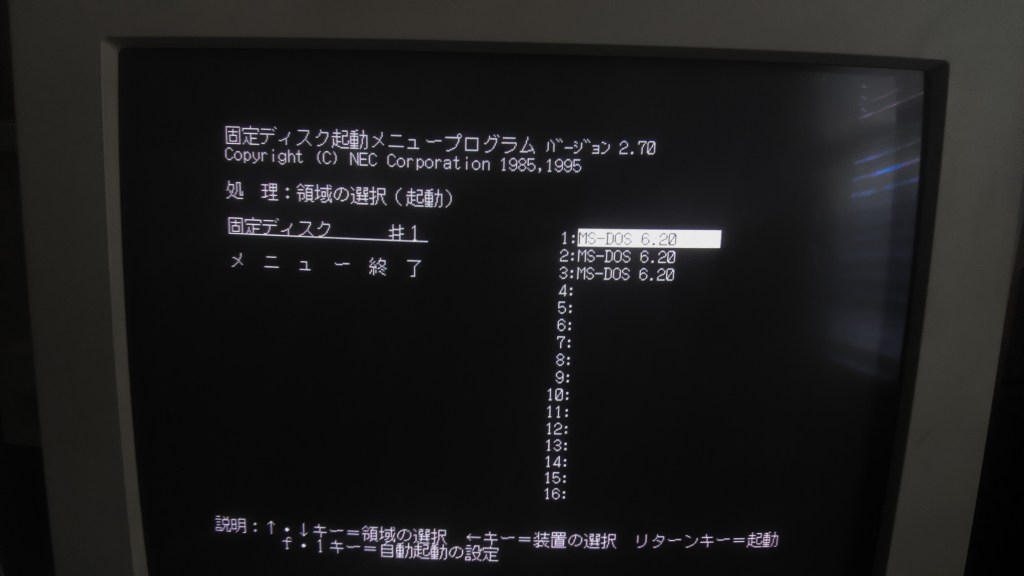
This HDD I bought from yahoo auctions came preinstalled with 3 partitions of MS-DOS 6.2, but that doesn’t do me any good because I want windows 95. I would also like to use the Tuner board that will allow PC98 to have RF, composite, and s-video inputs making the monitor a TV. The best case is to have Win95 and MS-DOS, but I’m having issues writing to a partition. I settle for DOS, you’ll see why later.
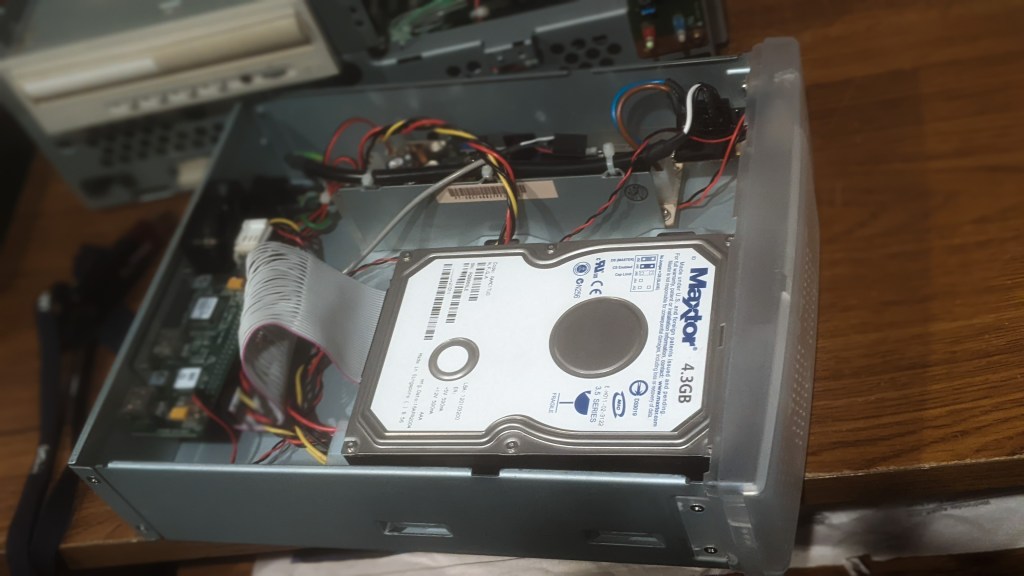
I was able to get an HDD image from a fellow member of the PC98 discord. This has the drivers I need for the tuner too. I Had an IDE HDD enclosure which I can use to read this hard drive with my XP/Linux laptop.

I tried a few different ways to move the image over to the HDD, all failed except one. The only successful transfer was when using the Linux side of the laptop and running the command line function “dd”.
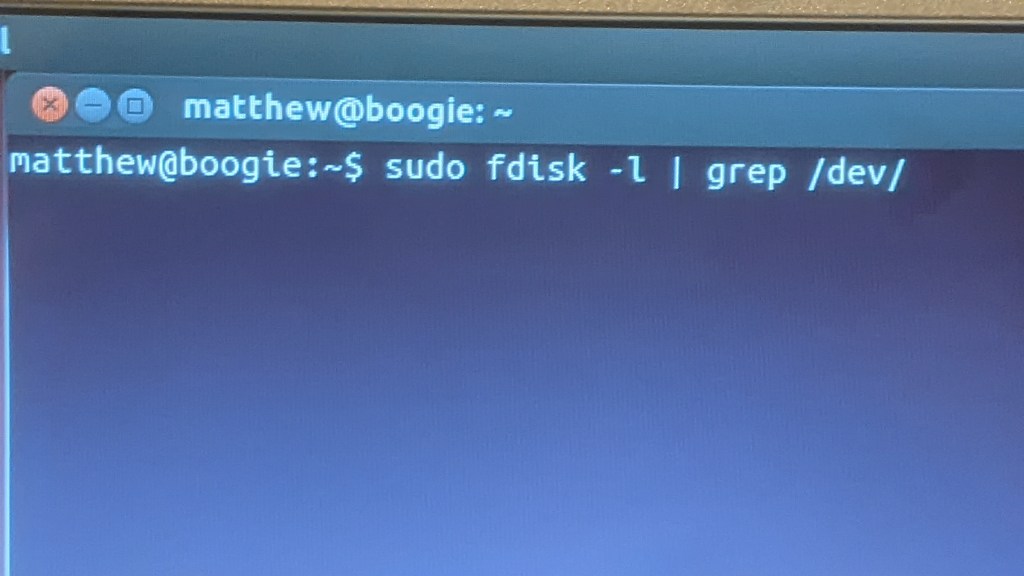
To make sure I don’t write to the wrong drive and lose all my important data (Not gonna make that mistake again) I like to run the fdisk function to look at all the devices connected to the computer.
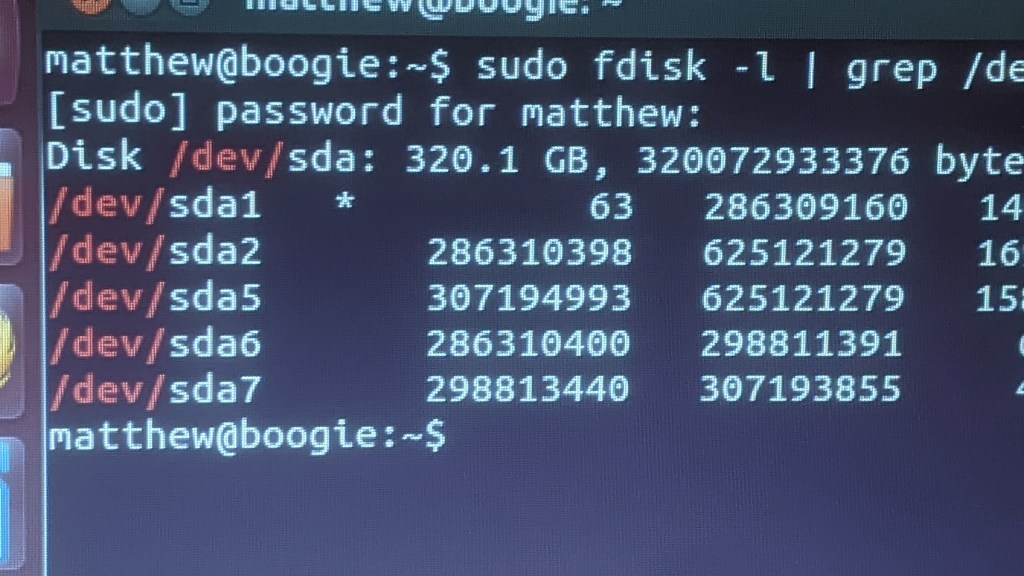
This is what is displayed when no external devices are plugged in. “sda” is the laptop’s HDD and the sda1 through sda7 are all the partitions on the drive.
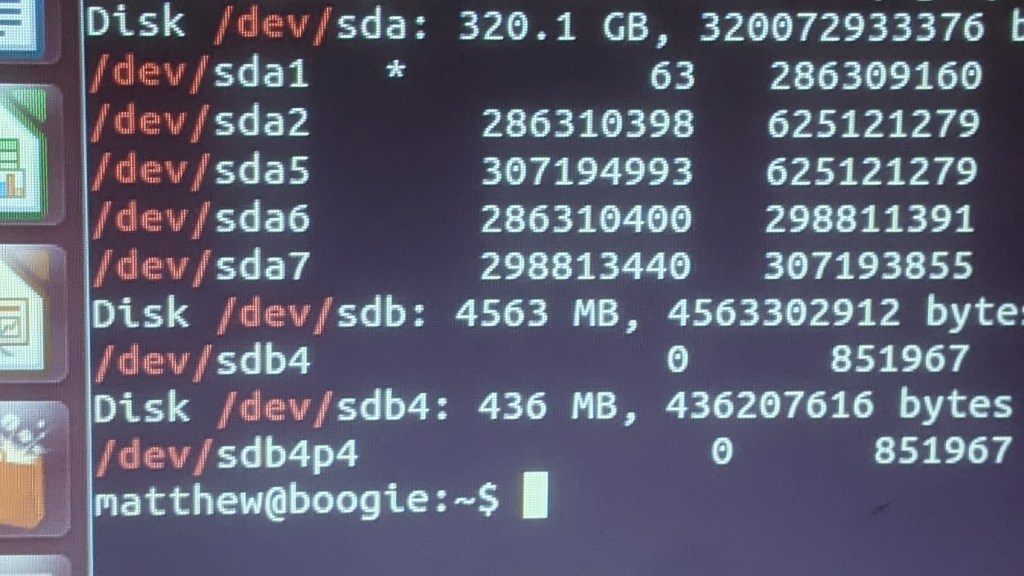
With the enclosure plugged in, I see “sdb” and “sdb4”. This is what confuses me. I think it’s reading the HDD as 2 drives with one partition each. I was expecting Just one sdb.
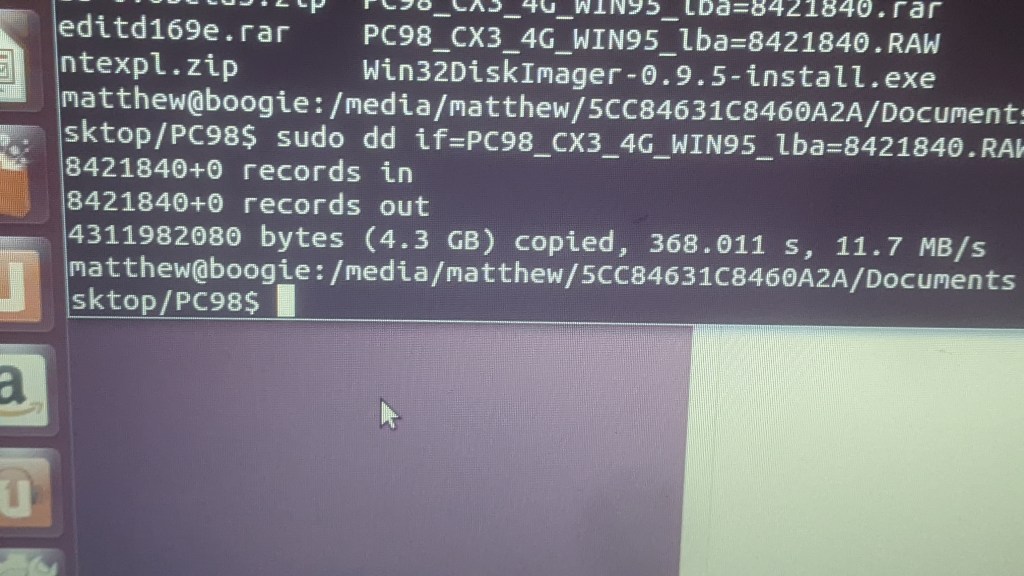
I copied the image over to the HDD in the enclosure with this code here:
$ sudo dd if="HDD file on laptop" of=/dev/sdb
This HDD image has MS-DOS 6.2 and Windows 95. Here I booted into WIN95. Now to test the replaced CD drive.
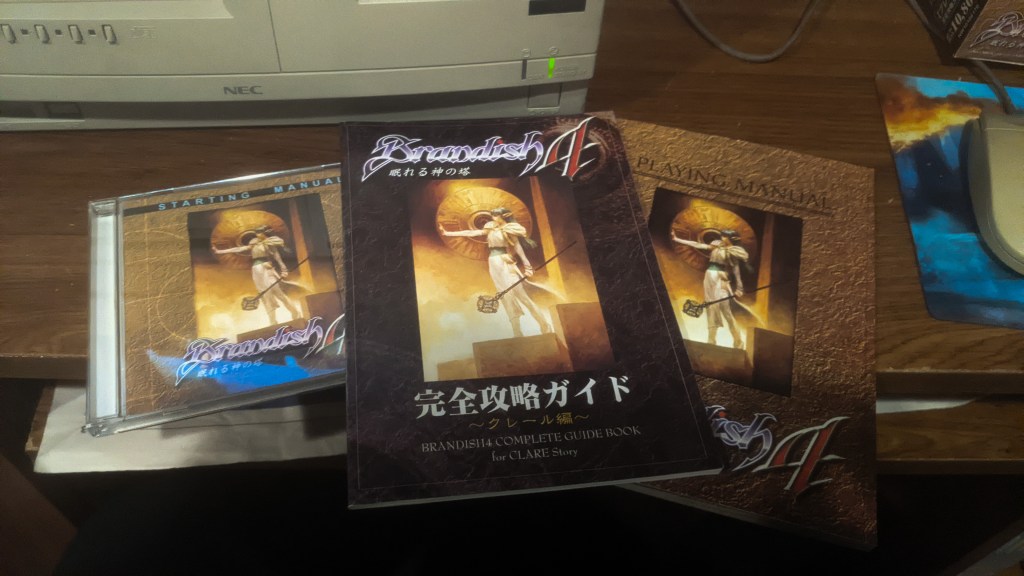
I love this series and the music in Brandish 4 is straight fire!
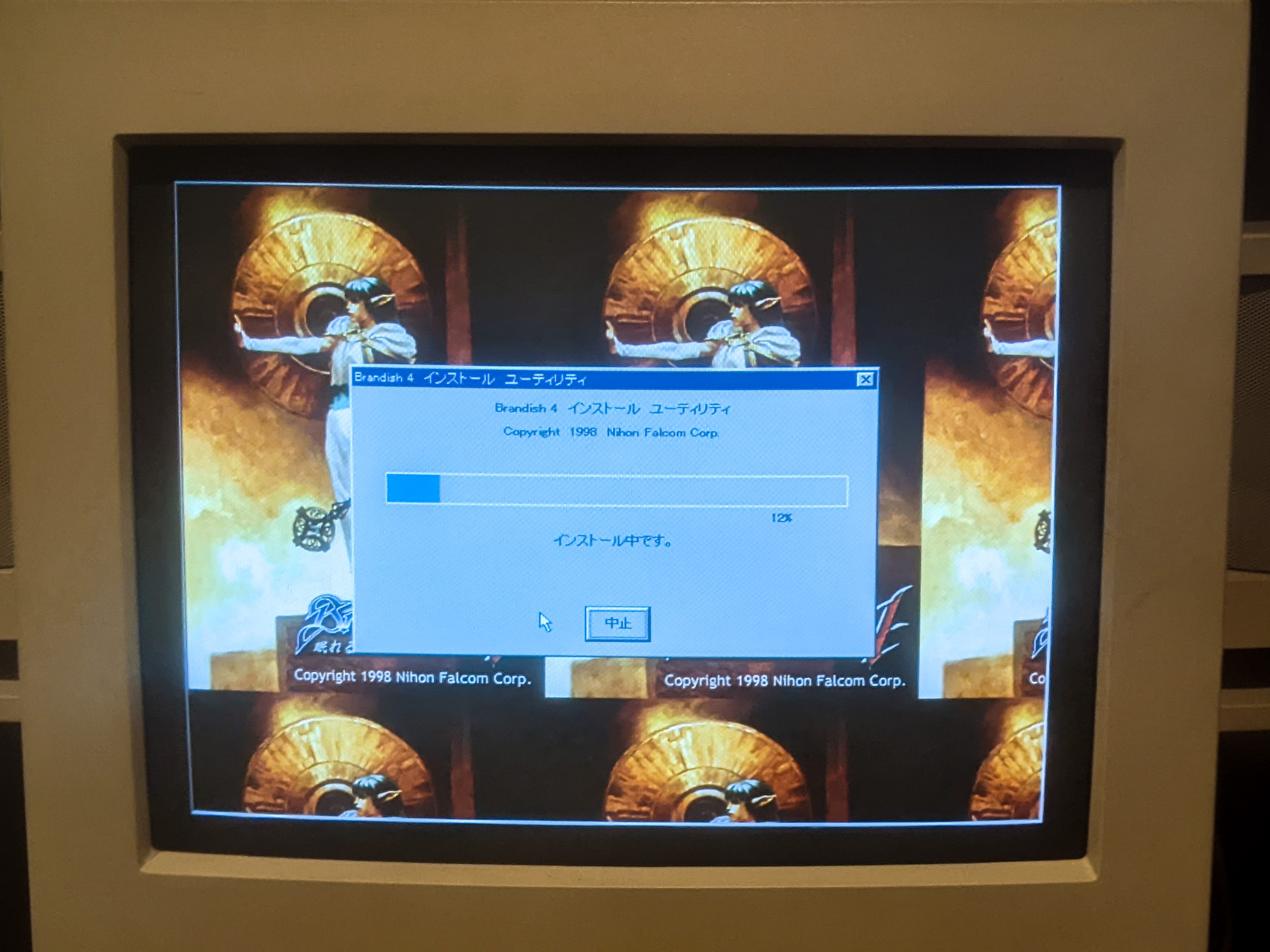
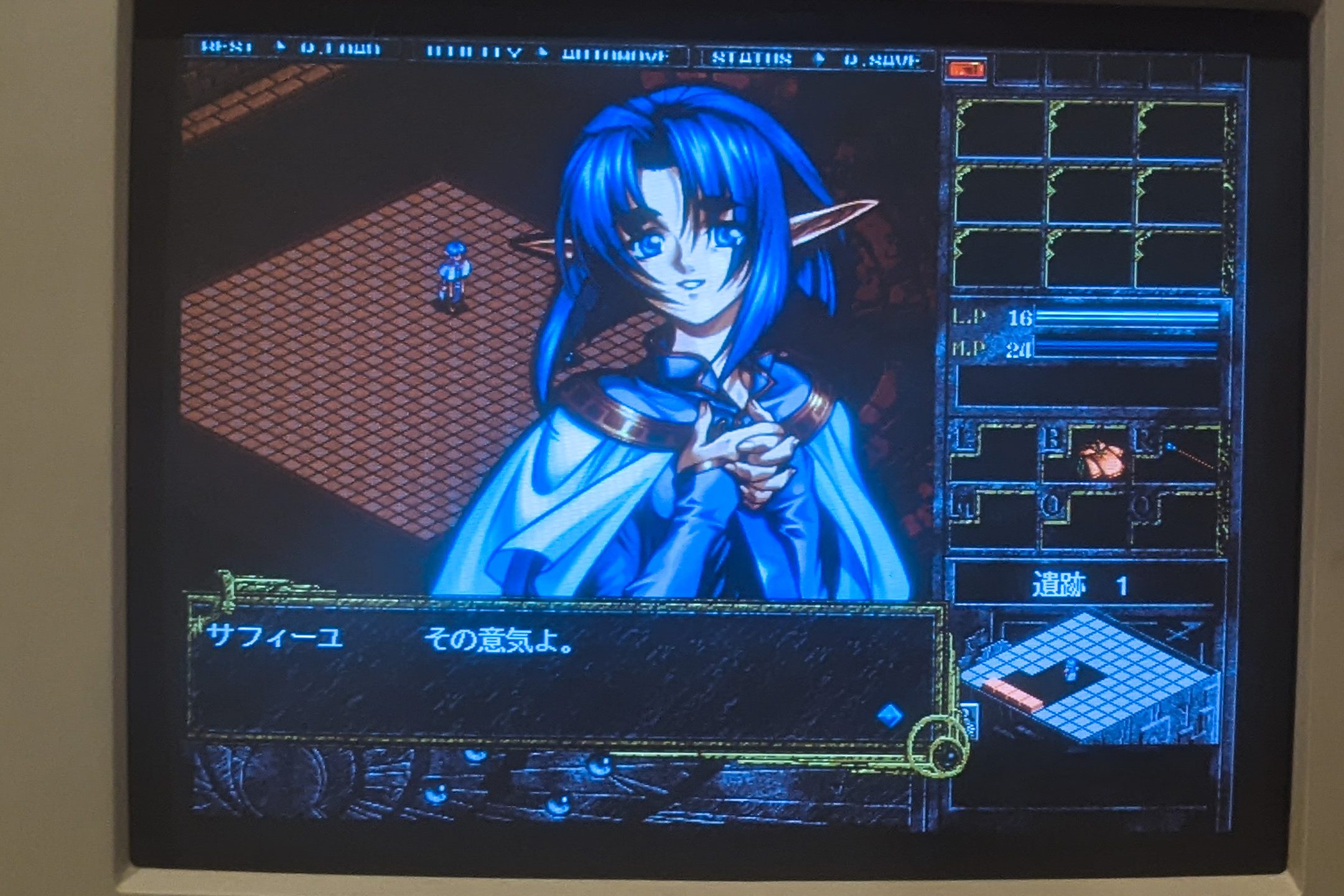
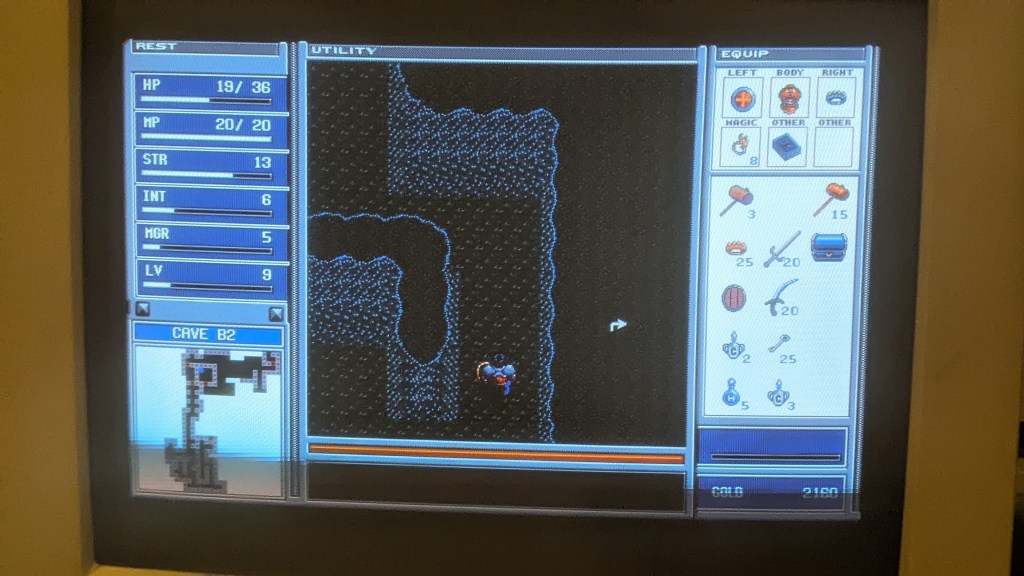
The CD drive works!! With the writing the image over to the HHD being a success I wanted to bring my games and saves from my PC98 emulator. I still haven’t found a way to merge the two images. I want this WIN98 with my DOS games, but for now I have to settle for just MS-DOS. I wanna beat Brandish 2, which means bye WIN95 (for now).
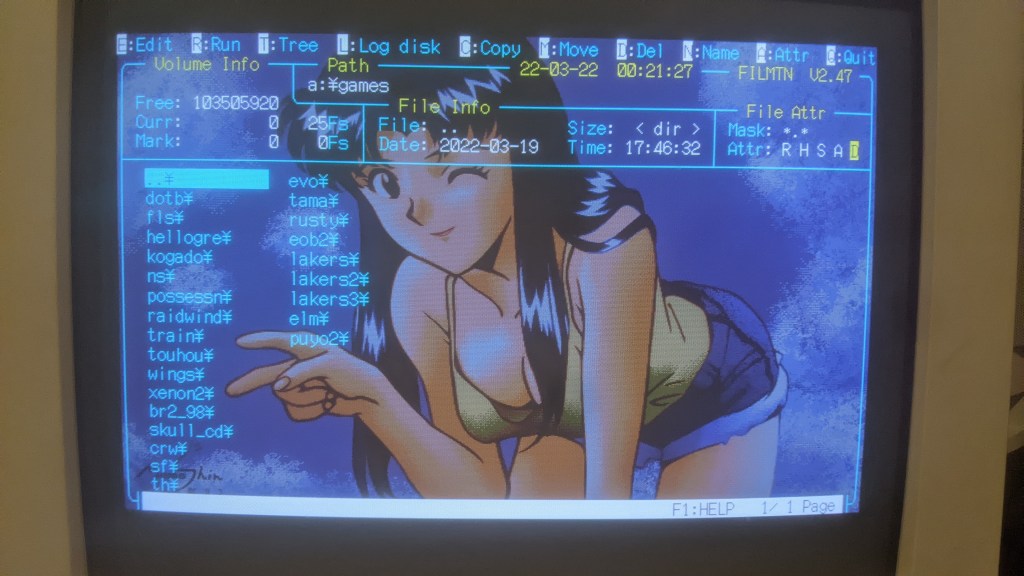
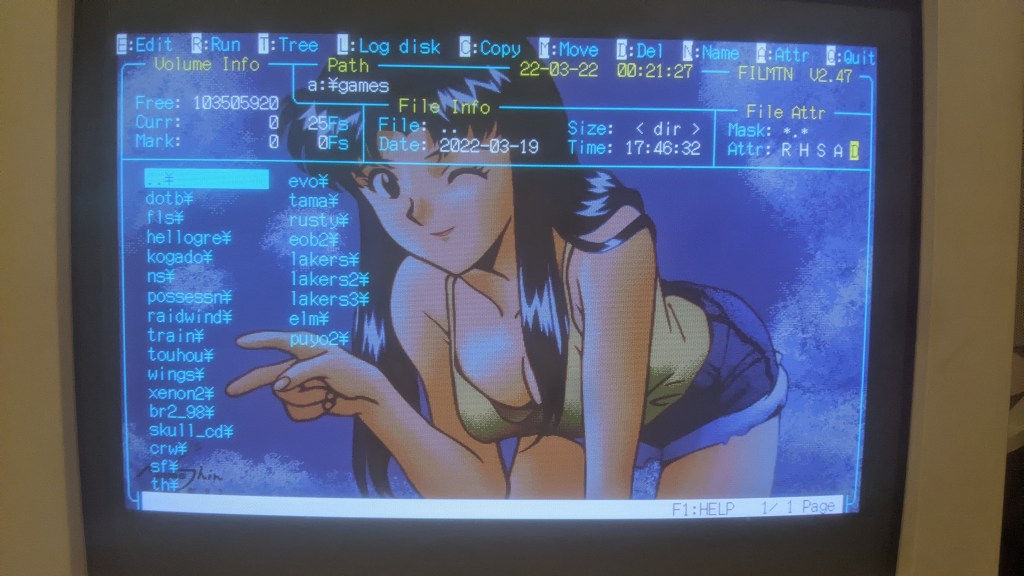
Here is the HDD image I made using Neko Project II. You can see the games listed here along with Misato.


 RETROBOOGIE64
Leave a comment